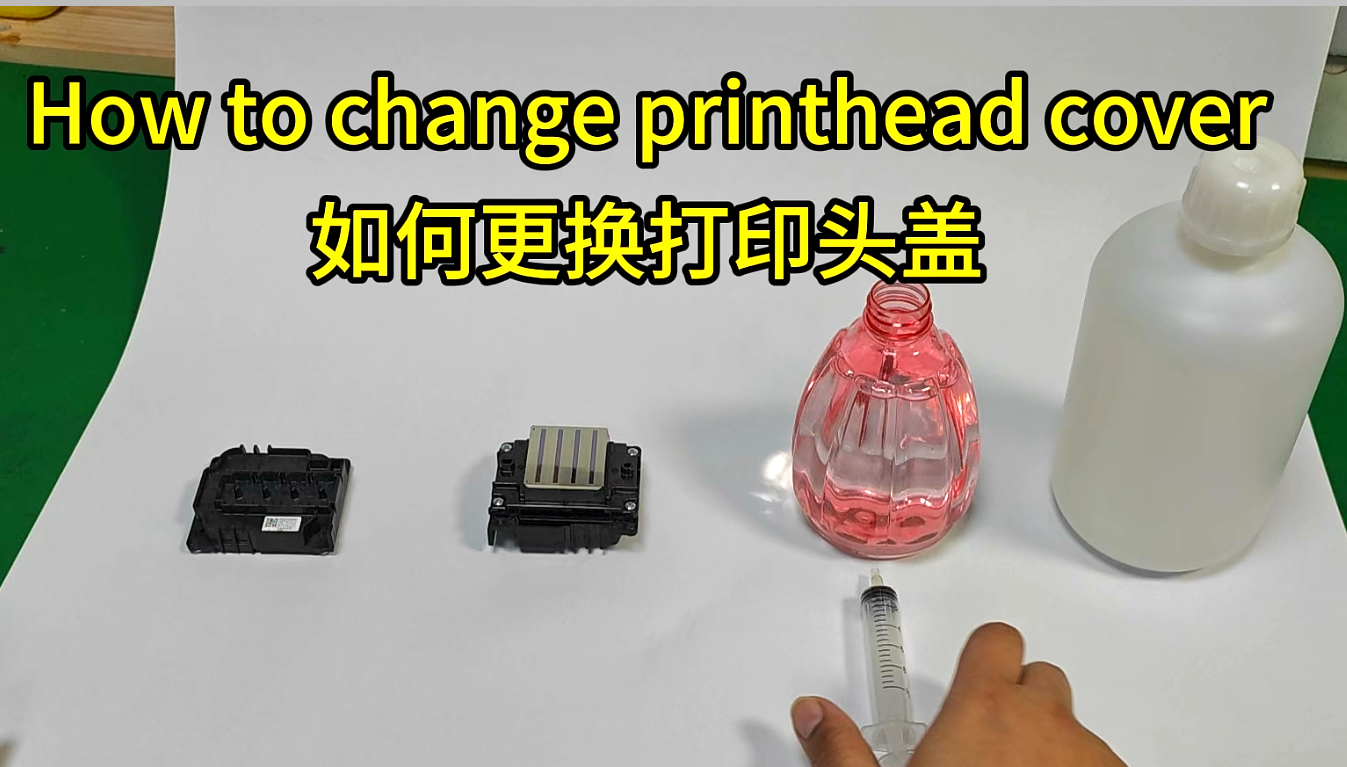
Materials needed: printhead (using i3200 printhead as an example), replacement printhead cap, alcohol, humectant, syringe, Phillips screwdriver, container (to catch the waste liquid from rinsing).
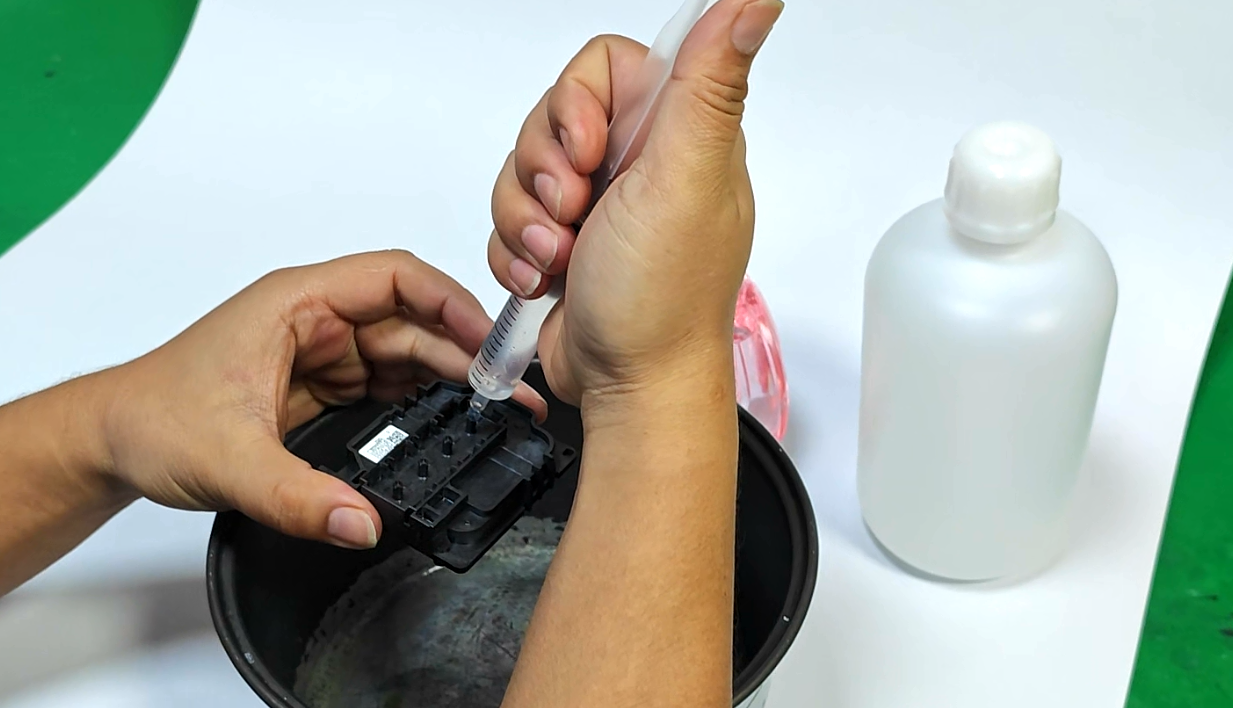
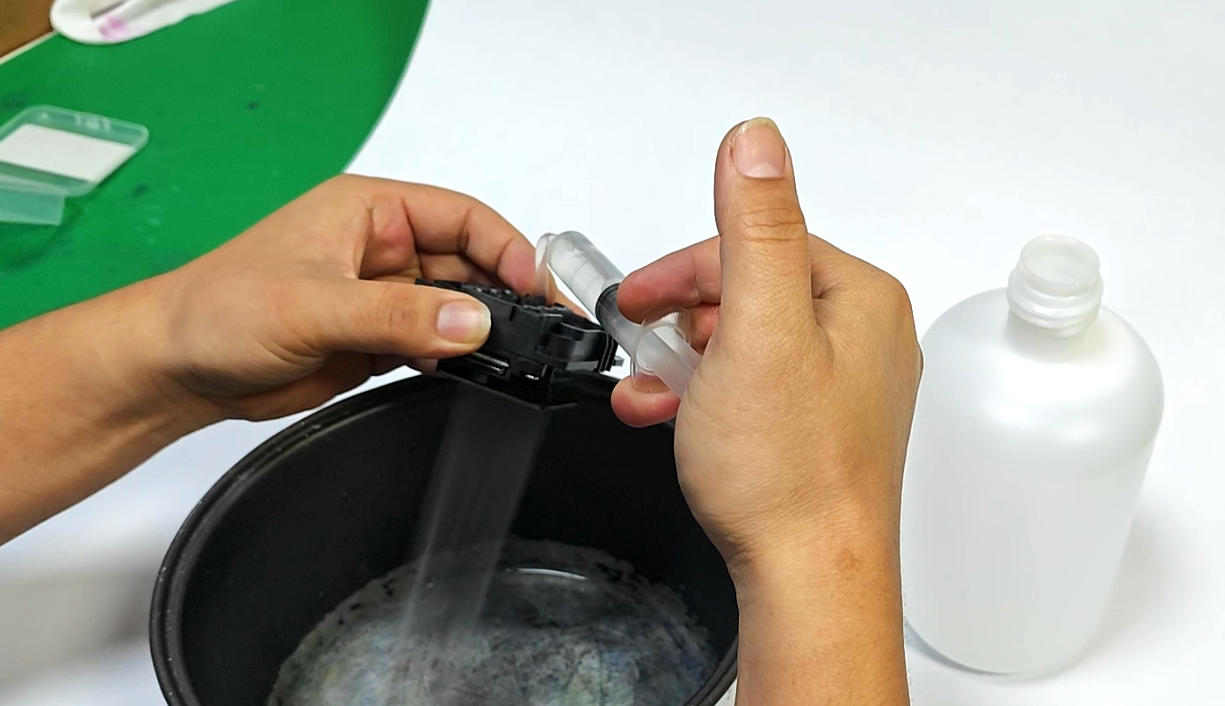
1. First, rinse the new printhead cover with a syringe and alcohol. Then, use a syringe to purge any remaining alcohol from the cover and remove any air bubbles.
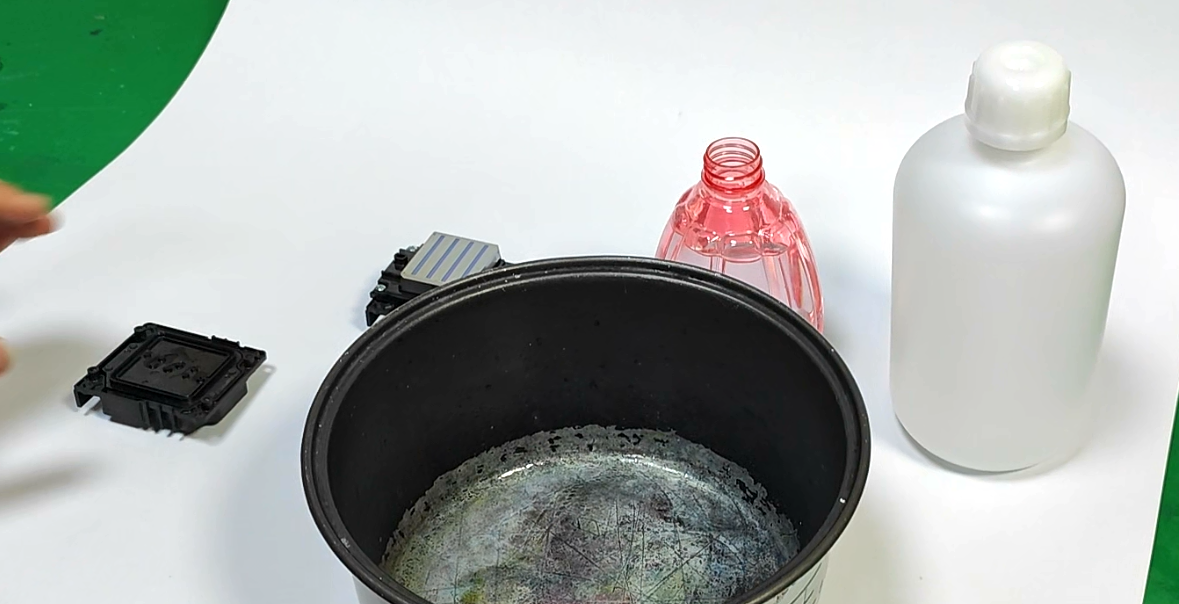
2. Set the lid aside, making sure not to touch the small hole on the lid, and wait for it to dry.
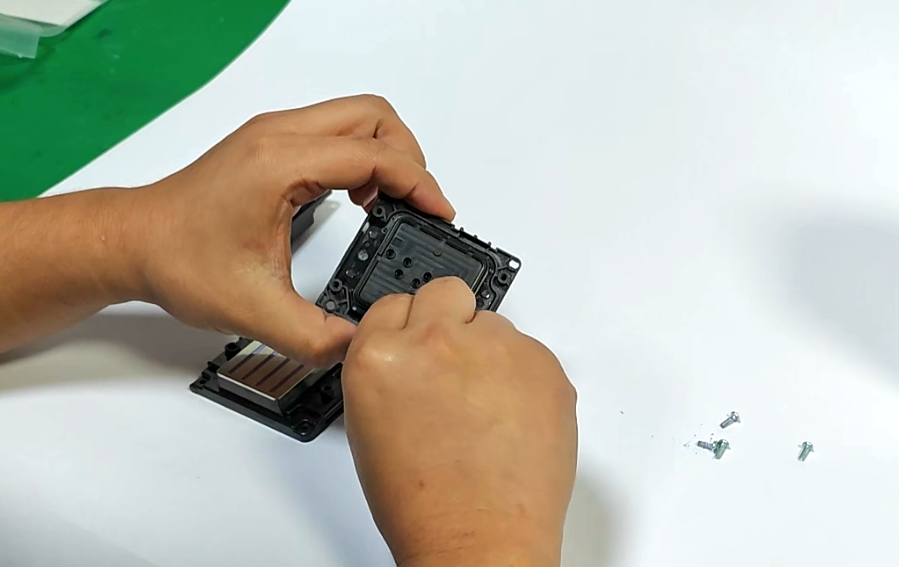
3. Remove the old printhead cover to be replaced.
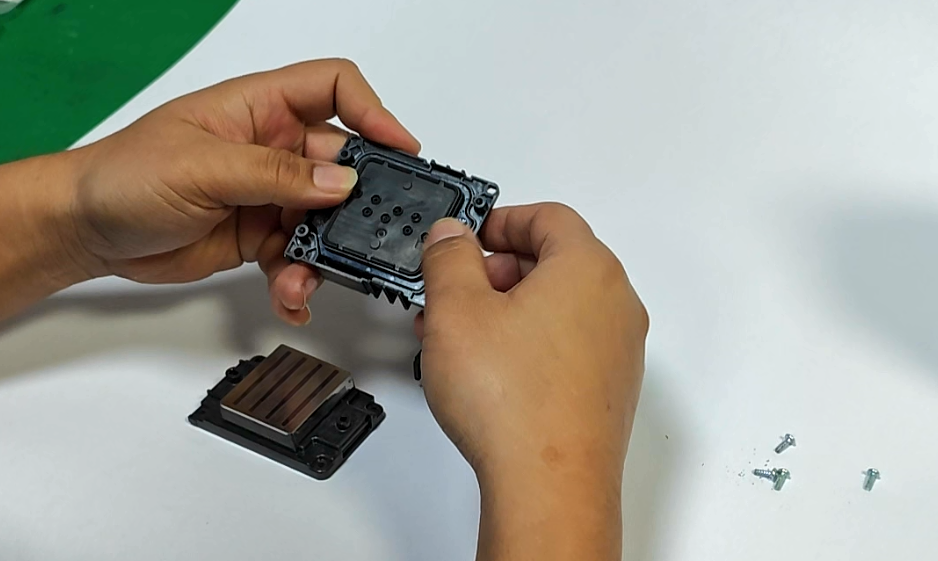
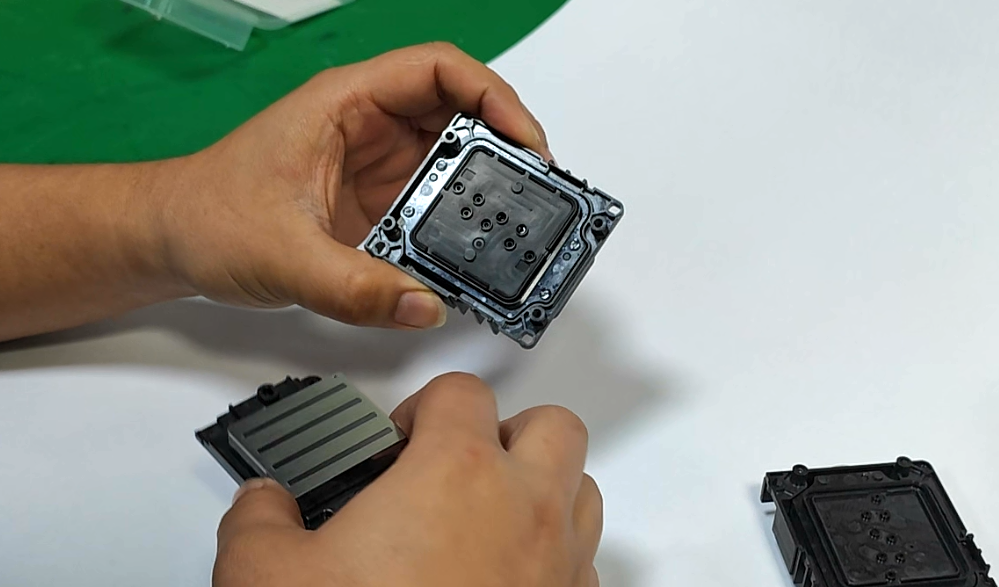
4. Remove the sealing gasket (avoid touching the small hole with your hand).
5. Place the sealing gasket on the dried printhead cover and press the edges of the gasket firmly.
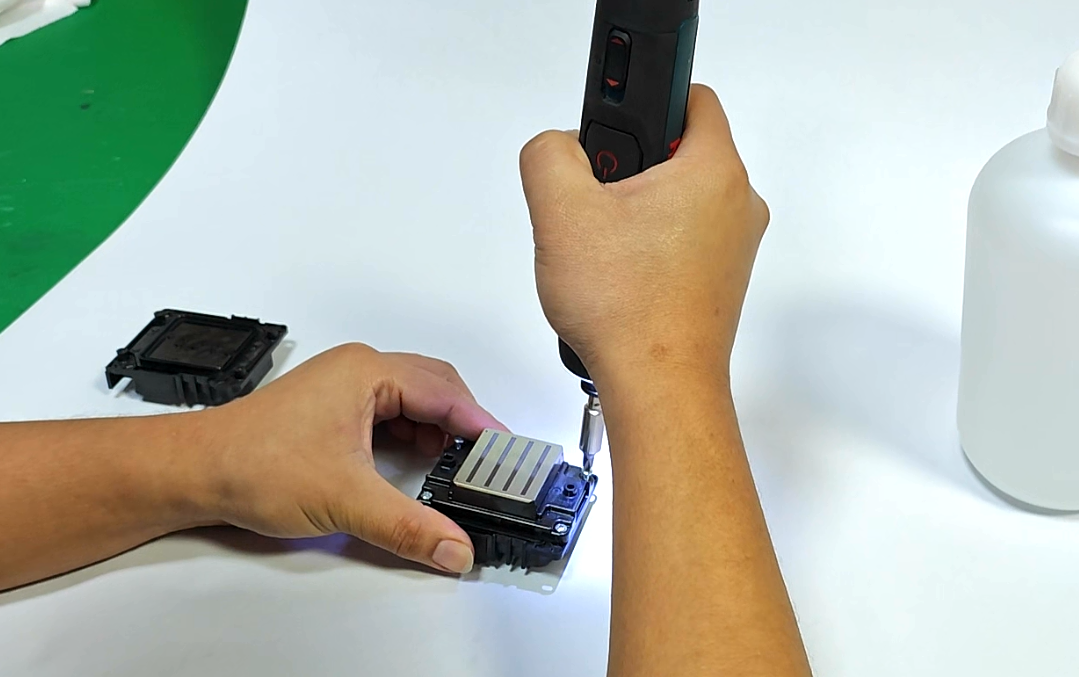
6. Install the print head
7. After installation, rinse with a syringe and moisturizing solution to check for frame drops. If the sprayed liquid is continuous without any frame drops, the installation is successful.